
This video tutorial will show you how to log in to the cloud. To follow the instructions in this tutorial you need to make sure that the following requirements are fulfilled:
- you have a caregiver or company admin account in the Smila cloud
- you have participated in a official Smila training
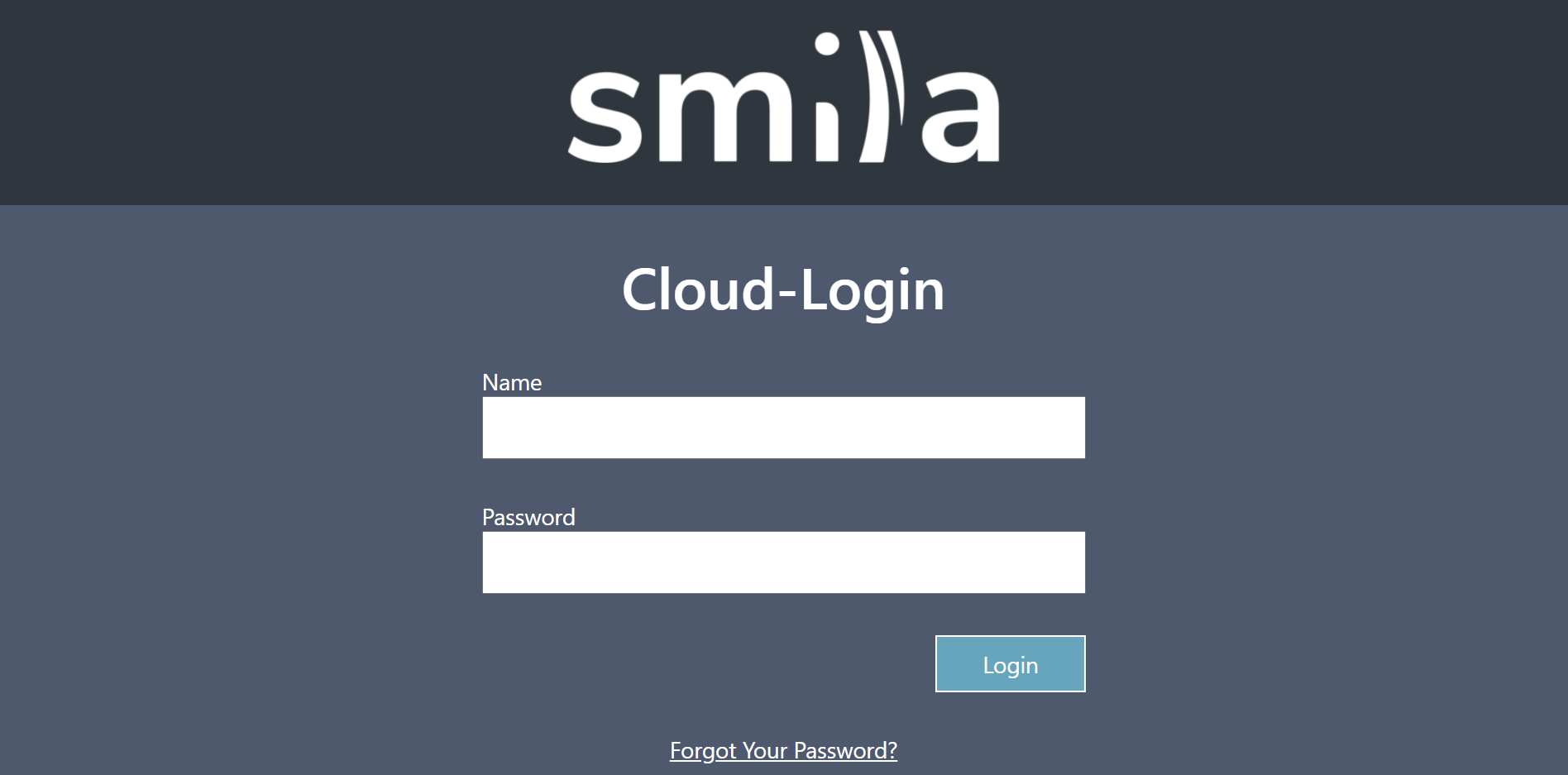
Step-by-Step instructions:
- Open the cloud starting page via your internet browser. As a browser please use Mozilla Firefox, Google Chrome or Microsoft Edge. Internet Explorer is not supported.
- Type in the user name and your passwort. An initial password is assigned when the account is created. In case you don't know this password, please follow the steps for resetting your password. See here.
- Click on Login to enter the cloud.
Comments
0 comments
Please sign in to leave a comment.