
There might be a time when you want to change the password that you are using to login to the Smila cloud as well as the Smila devices of your care-clients.
In this case, you can just visit the Smila cloud website and login with your regular credentials. Afterwards you are navigating to your account picture and click on "Change password".
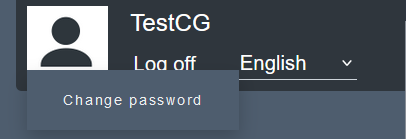
You will now be guided through the process and will be able to change your password to a brand new one.
Comments
0 comments
Please sign in to leave a comment.